The Easiest Way to Manage Music for Your Business

simple, Reliable Background music for your business

OptiSound gives you full flexibility to manage your business music, your way. Use the mobile app for quick, on-the-go playback control, or log into the web portal to build, and manage playlists across your zones and locations. All in one Dashboard.
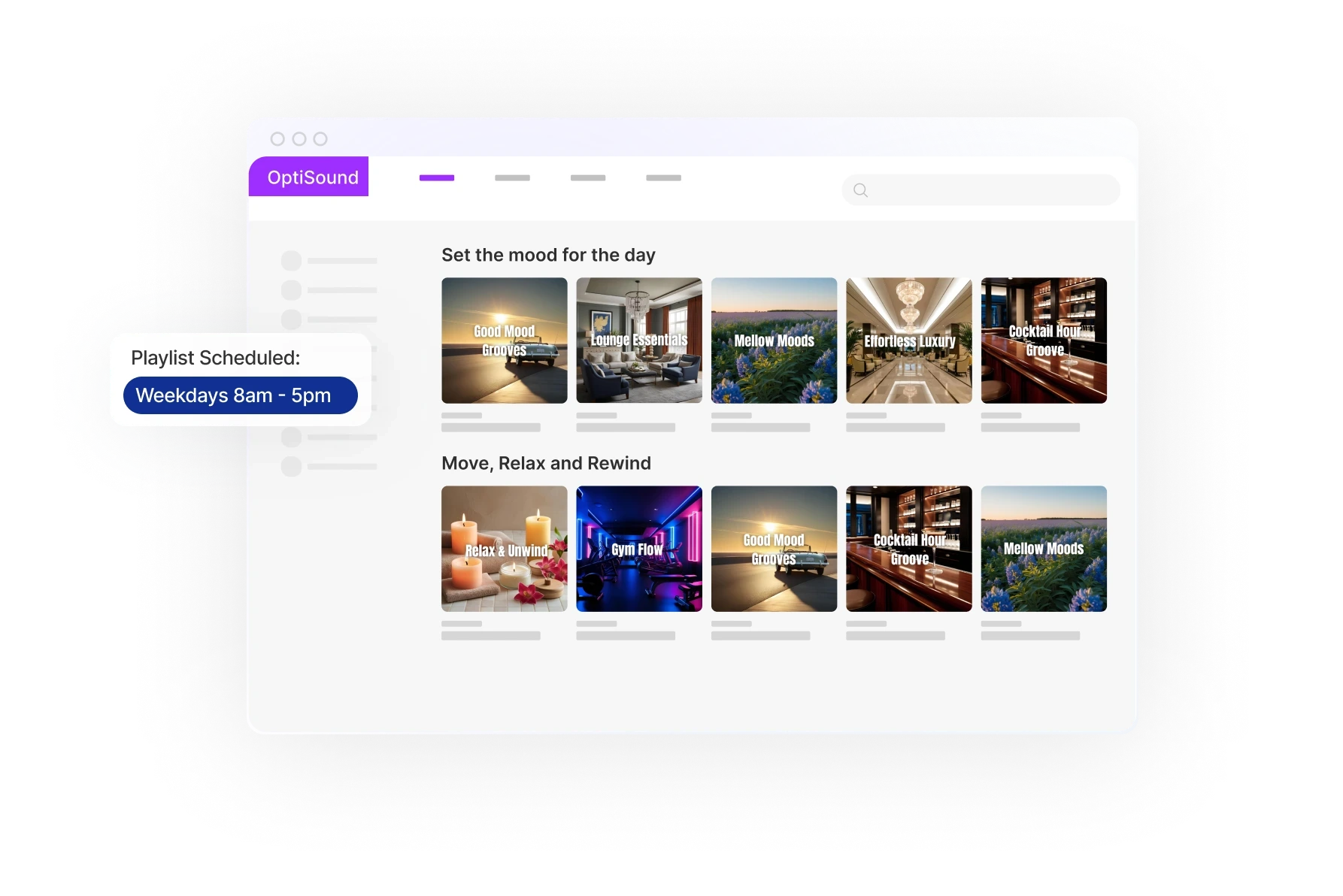
Tablet displaying a selection of images in a grid format, with a sidebar for navigation.
A simple, abstract design featuring a soft, light-colored shape against a white background.
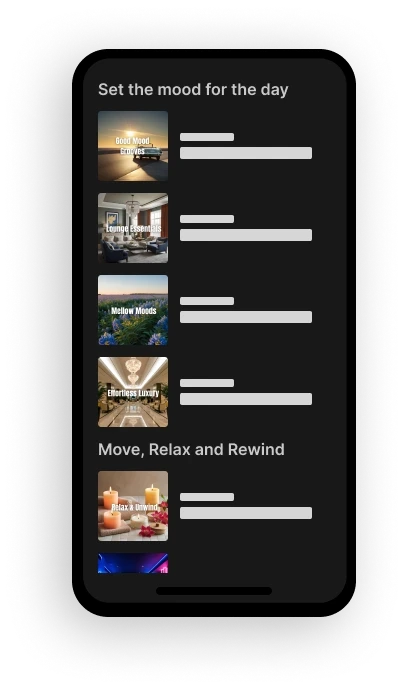
A smartphone displays a list of items, featuring images and titles in a dark interface.
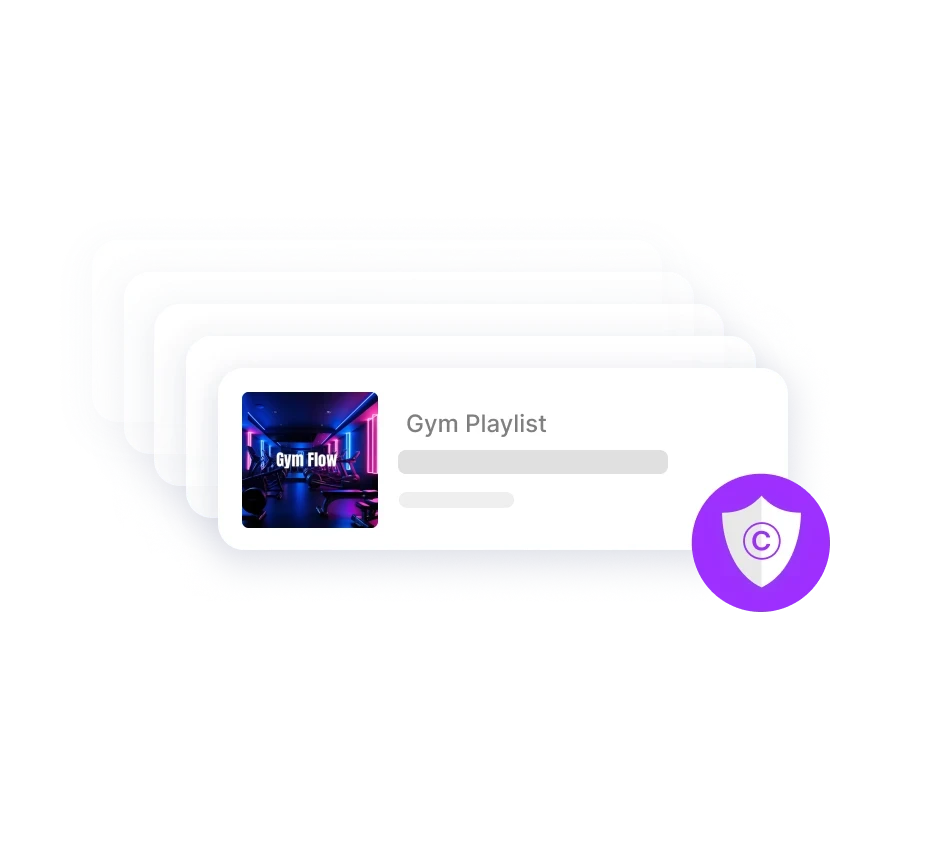
Logo featuring a purple shield with a white copyright symbol in the center, representing copyright protection.
Tablet displaying a selection of images in a grid format, with a sidebar for navigation.
A simple, abstract design featuring a soft, light-colored shape against a white background.
A smartphone displays a list of items, featuring images and titles in a dark interface.
Logo featuring a purple shield with a white copyright symbol in the center, representing copyright protection.
Tablet displaying a selection of images in a grid format, with a sidebar for navigation.
A simple, abstract design featuring a soft, light-colored shape against a white background.
A smartphone displays a list of items, featuring images and titles in a dark interface.
Logo featuring a purple shield with a white copyright symbol in the center, representing copyright protection.
Tablet displaying a selection of images in a grid format, with a sidebar for navigation.
A simple, abstract design featuring a soft, light-colored shape against a white background.
A smartphone displays a list of items, featuring images and titles in a dark interface.
Logo featuring a purple shield with a white copyright symbol in the center, representing copyright protection.

Get started in 4 Simple Steps

Get started in 4 Simple Steps

From download to playing music in minutes.

  1. Create your free trial account

Sign up in seconds to start your 14-day free trial now. No credit card required. You can preview the music instanly on the web browser.

  1. Pick & play

Install the OptiSound app on a phone or tablet (iOS, Android, or via APK) and connect it to your speakers for reliable, offline‑ready playback.


  1. Manage it your way

Control your current music right from the app.

For multi-zone, playlist, or schedule management,
visit the OptiSound web portal anytime.

  1. Connect to Your Speaker

Your speakers connect automatically in the web portal,

or you can choose a speaker in the app with one tap.
Play on any setup — Bluetooth, Wi-Fi, or wired speakers.

  1. Create your free trial account

Sign up in seconds to start your 14-day free trial now. No credit card required. You can preview the music instanly on the web browser.

  1. Pick & play

Install the OptiSound app on a phone or tablet (iOS, Android, or via APK) and connect it to your speakers for reliable, offline‑ready playback.


  1. Manage it your way

Control your current music right from the app.

For multi-zone, playlist, or schedule management,
visit the OptiSound web portal anytime.

  1. Connect to Your Speaker

Your speakers connect automatically in the web portal,

or you can choose a speaker in the app with one tap.
Play on any setup — Bluetooth, Wi-Fi, or wired speakers.

  1. Create your free trial account

Sign up in seconds to start your 14-day free trial now. No credit card required. You can preview the music instanly on the web browser.

  1. Pick & play

Install the OptiSound app on a phone or tablet (iOS, Android, or via APK) and connect it to your speakers for reliable, offline‑ready playback.


  1. Manage it your way

Control your current music right from the app.

For multi-zone, playlist, or schedule management,
visit the OptiSound web portal anytime.

  1. Connect to Your Speaker

Your speakers connect automatically in the web portal,

or you can choose a speaker in the app with one tap.
Play on any setup — Bluetooth, Wi-Fi, or wired speakers.

  1. Create your free trial account

Sign up in seconds to start your 14-day free trial now. No credit card required. You can preview the music instanly on the web browser.

  1. Pick & play

Install the OptiSound app on a phone or tablet (iOS, Android, or via APK) and connect it to your speakers for reliable, offline‑ready playback.


  1. Manage it your way

Control your current music right from the app.

For multi-zone, playlist, or schedule management,
visit the OptiSound web portal anytime.

  1. Connect to Your Speaker

Your speakers connect automatically in the web portal,

or you can choose a speaker in the app with one tap.
Play on any setup — Bluetooth, Wi-Fi, or wired speakers.

Frequently asked questions?

Helping you understand how OptiSound delivers reliability, compliance, and smarter playlist automation.
Yes, all music on OptiSound is fully licensed for commercial use. We handle all the licensing requirements, so you can play music in your business legally without worrying about copyright issues or additional licensing fees.

Frequently asked questions?

Helping you understand how OptiSound delivers reliability, compliance, and smarter playlist automation.
Yes, all music on OptiSound is fully licensed for commercial use. We handle all the licensing requirements, so you can play music in your business legally without worrying about copyright issues or additional licensing fees.

Frequently asked questions?

Helping you understand how OptiSound delivers reliability, compliance, and smarter playlist automation.
Yes, all music on OptiSound is fully licensed for commercial use. We handle all the licensing requirements, so you can play music in your business legally without worrying about copyright issues or additional licensing fees.

Frequently asked questions?

Helping you understand how OptiSound delivers reliability, compliance, and smarter playlist automation.
Yes, all music on OptiSound is fully licensed for commercial use. We handle all the licensing requirements, so you can play music in your business legally without worrying about copyright issues or additional licensing fees.
An abstract heart shape with a soft gradient, featuring a light color palette and a subtle outline.
Three devices with a purple background display music note icons, representing music streaming or applications.

Music Control, Anywhere

No need to buy new hardware. OptiSound can connect to any speakers that allow bluetooth or wired connections - just connect and go.
Check
Start and stop music anytime
Check
Change playlists based on time of day or mood
Check
Manage multiple locations from one account
Check
Set schedules so your music runs automatically and seamlessly

designed specifically for commercial use

No need to buy new hardware. OptiSound can connect to any speakers that allow bluetooth or wired connections - just connect and go.
Check
Commercially licensed playlists
Check
Continuous, reliable streaming
Check
Regularly updated music selections
An abstract heart shape with a soft gradient, featuring a light color palette and a subtle outline.
A small, rectangular interface element featuring a dark image on the left and a purple icon on the right.
A smooth gradient blend of purple and blue hues, creating a visually calming abstract background.

Ready to get started with OptiSound?

Start streaming in just a few minutes!
Optisound and Optisign

© Copyright OptiSound. All rights reserved.

A circular black object with a decorative, textured border resembling a stylized wreath or ring.
Optisound and Optisign

© Copyright OptiSound. All rights reserved.

A circular black object with a decorative, textured border resembling a stylized wreath or ring.
Optisound and Optisign

© Copyright OptiSound. All rights reserved.

A circular black object with a decorative, textured border resembling a stylized wreath or ring.
Optisound and Optisign

© Copyright OptiSound. All rights reserved.

A circular black object with a decorative, textured border resembling a stylized wreath or ring.