A soft, blurred gradient featuring light colors transitioning from white to pastel shades.
OPTISOUND MANAGEMENT PORTAL

Centralize Your Business Music in One Dashboard

Centralize Your Business Music in One Dashboard

simple, Reliable Background music for your business

Build playlists, schedule day‑parts music and manage multiple locations with the OptiSound Web Portal. Control every device and every song from your browser—no extra hardware or complex setup required.
14-day FREE trial. No credit card required
Levis Logo
Levis Logo
Yamaha Logo
Yamaha Logo
Redbull Logo
Redbull Logo
Instacart Logo
Instacart Logo
Goodwill Logo
Goodwill Logo
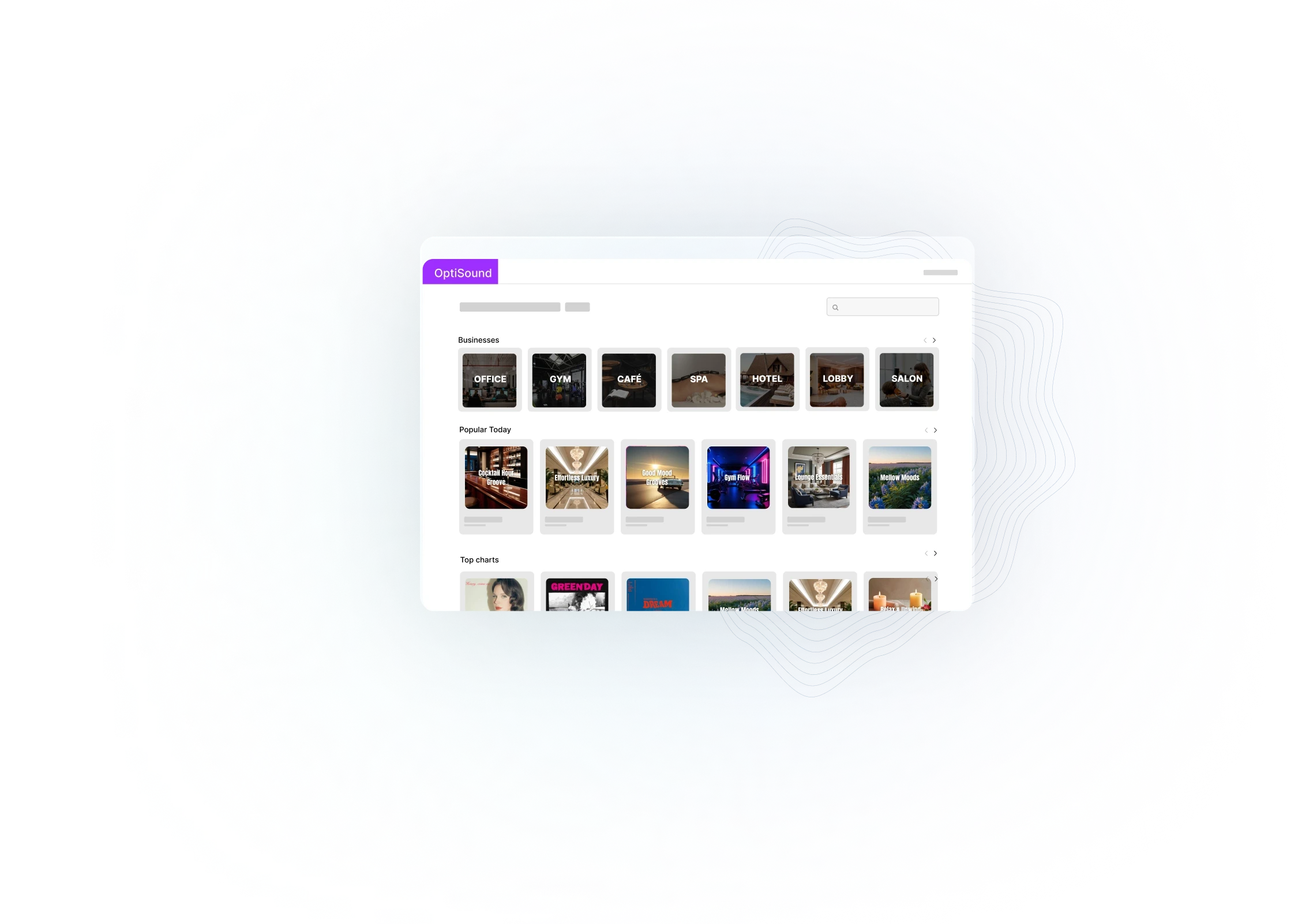
A digital interface displays a grid of images set against a blue background.
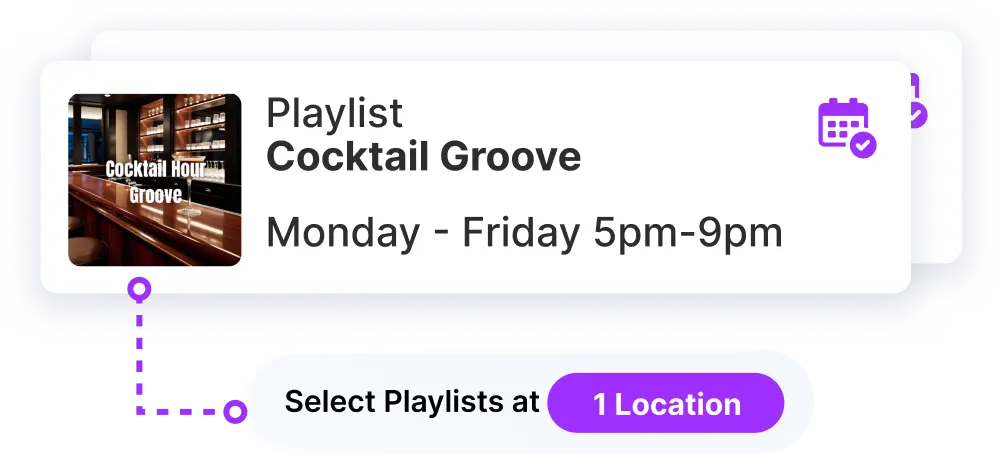
Graphic showing a cocktail event with details: February, Friday Night, and an option to select play.

Your Central Control Center for Business Music

Your Central Control Center for Business Music

Your Central Control Center for Business Music

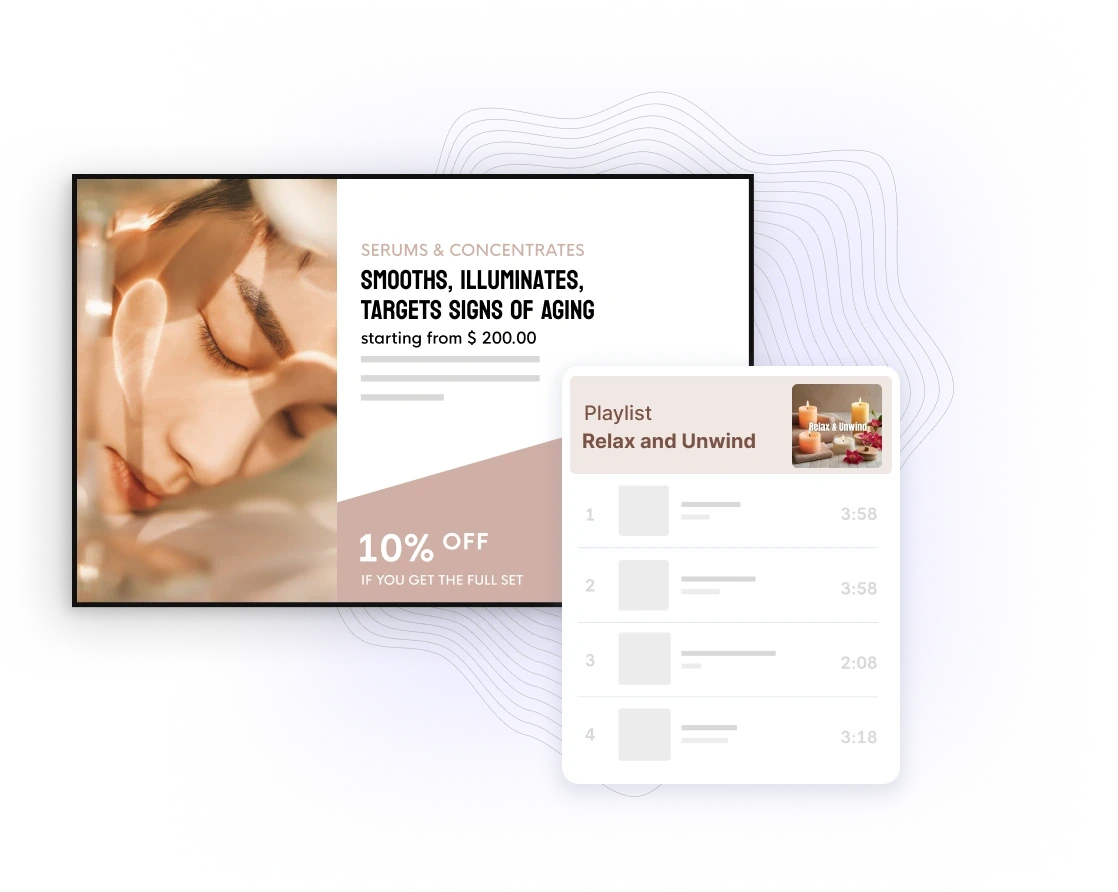
The OptiSound Management Portal is where you design the sound of your business. Build playlists, schedule day-part music, manage locations, and monitor playback — all from your browser.


Simplistic translucent shape with a purple outline and a faint inner circle, set against a light background.
Screenshot of a digital interface with a table-like layout and navigation options highlighted at the top.
A purple graphic with the text "Physic! Refined and Verses Show" highlighted on it.
Screenshot of a digital interface with a table-like layout and navigation options highlighted at the top.
A purple graphic with the text "Physic! Refined and Verses Show" highlighted on it.
Screenshot of a digital interface with a table-like layout and navigation options highlighted at the top.
A purple graphic with the text "Physic! Refined and Verses Show" highlighted on it.

Scheduling Made Simple

Scheduling Made Simple

Scheduling Made Simple

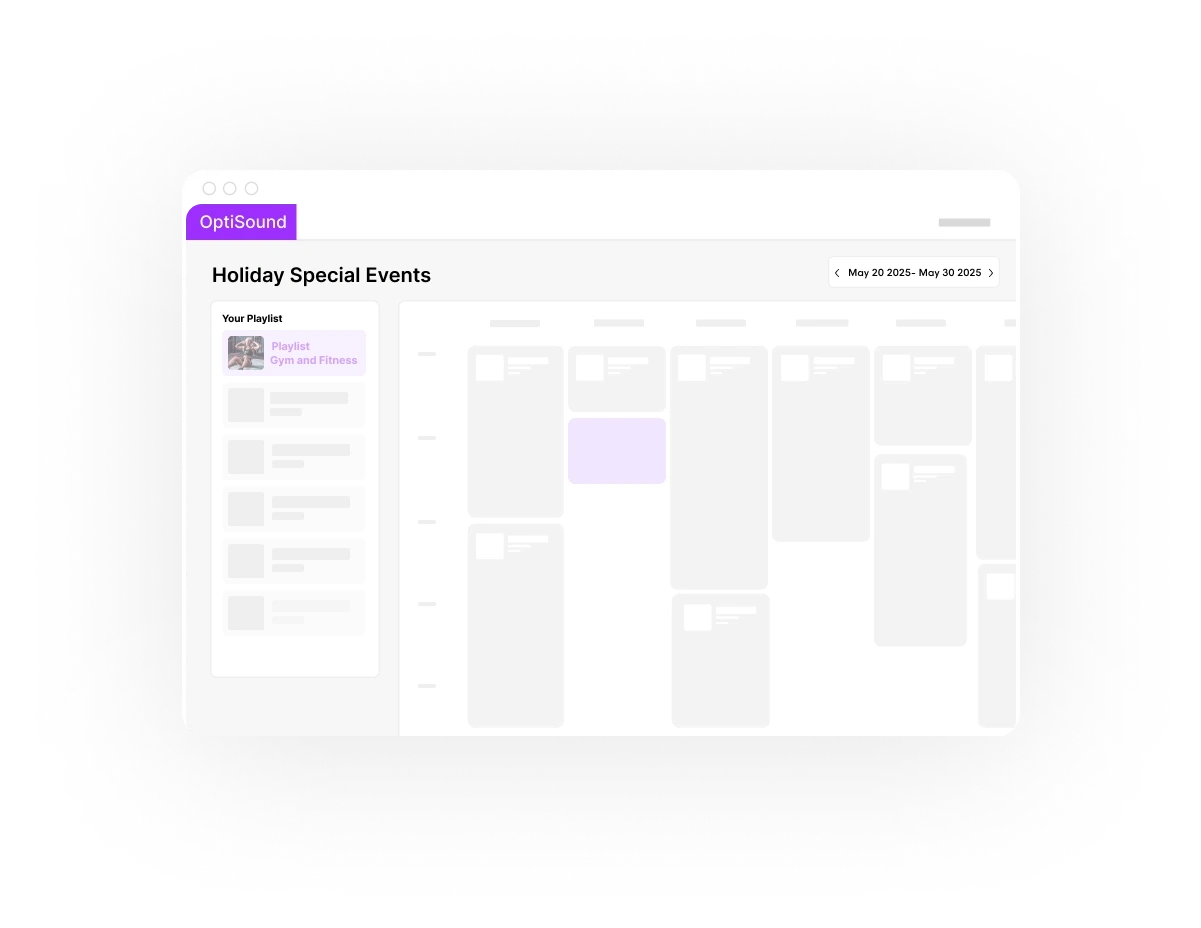
Set the right mood all day long with our drag-and-drop scheduler. From daily flows to special events, it’s easy to plan, automate, and keep your music fresh.

Curated Playlists at Your Fingertips

Curated Playlists at Your Fingertips

Curated Playlists at Your Fingertips

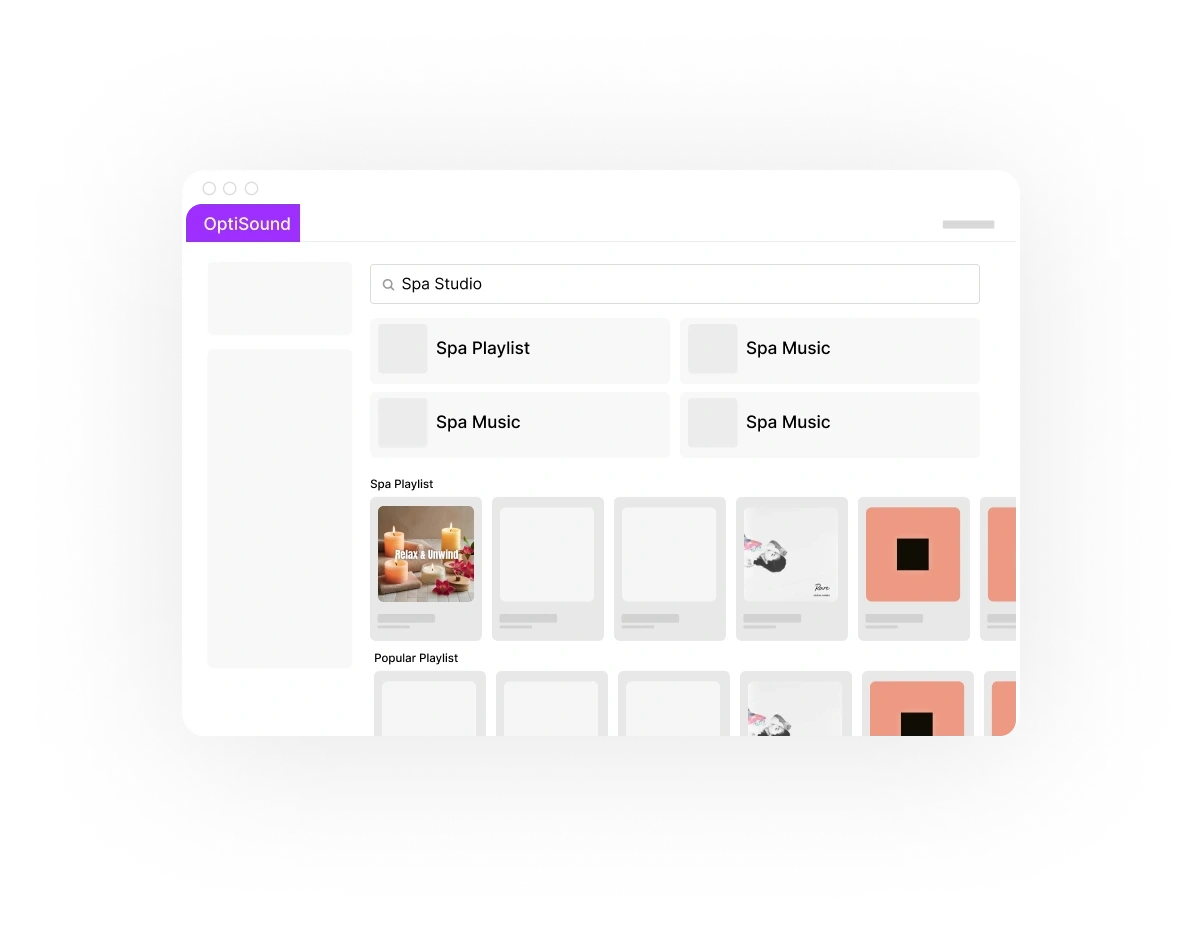
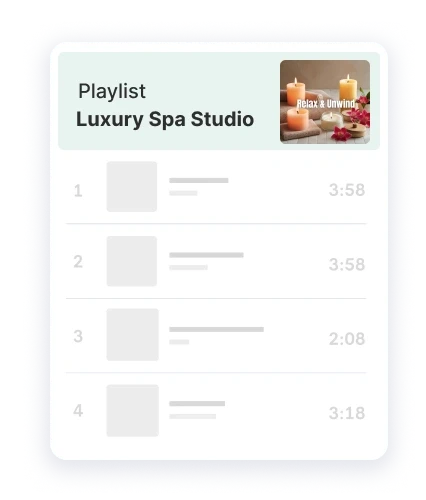
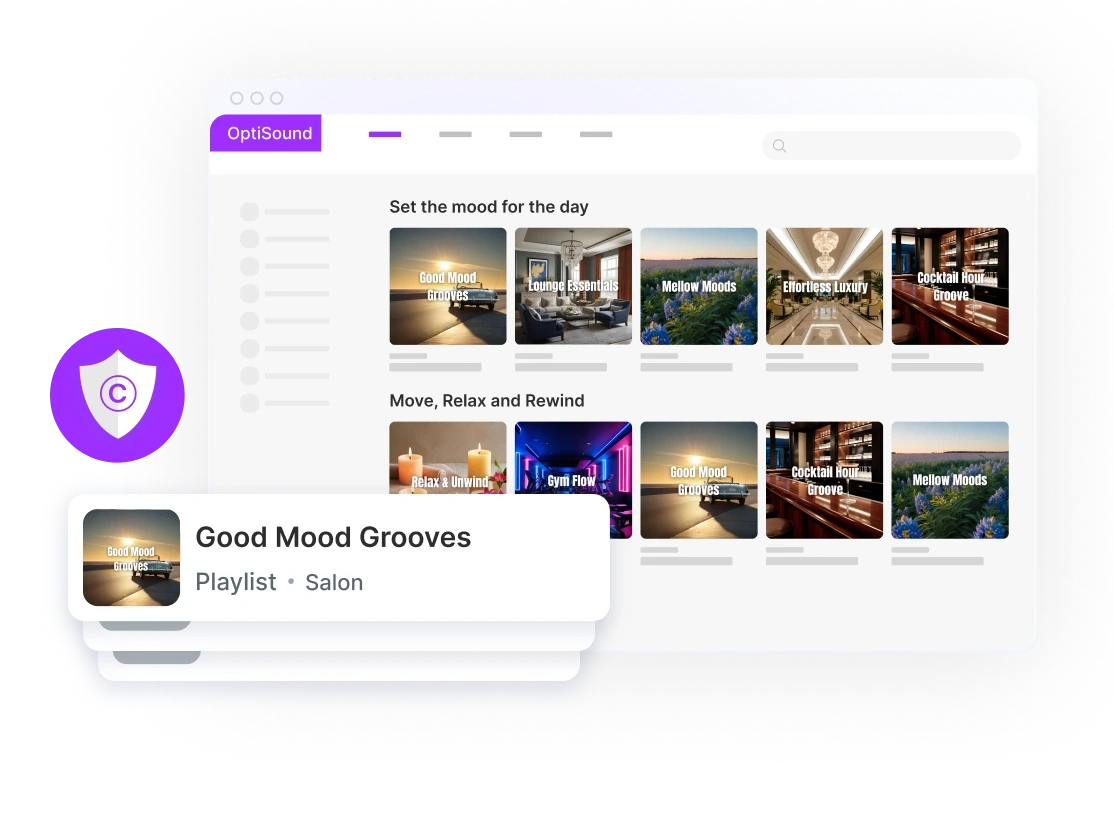
Explore a growing library of expertly curated playlists, organized by industry—from retail and hospitality to fitness and office. Find the perfect vibe, preview instantly, and save your favorites for easy access anytime.

Abstract light purple shape with a smooth gradient, featuring soft edges and a subtle outer glow.
A user interface screen showing options and settings with icons for customization or navigation.
A project management interface displaying task lists and details, with an illustration in the header.
A user interface screen showing options and settings with icons for customization or navigation.
A project management interface displaying task lists and details, with an illustration in the header.
A user interface screen showing options and settings with icons for customization or navigation.
A project management interface displaying task lists and details, with an illustration in the header.
An abstract shape with a soft white background, featuring light purple and pale blue hues.
Interface displaying a list with options on the left and a highlighted section on the right in a sleek design.
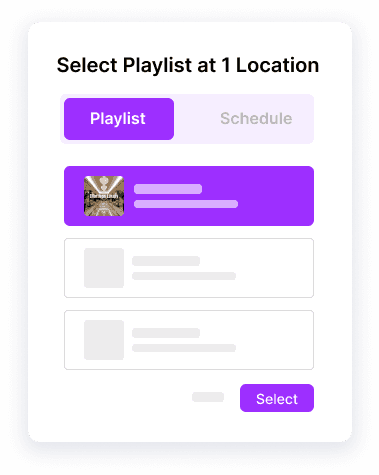
User interface displaying a location selection for playlists, featuring purple accents and interactive elements.
Interface displaying a list with options on the left and a highlighted section on the right in a sleek design.
User interface displaying a location selection for playlists, featuring purple accents and interactive elements.
Interface displaying a list with options on the left and a highlighted section on the right in a sleek design.
User interface displaying a location selection for playlists, featuring purple accents and interactive elements.

Multi-Location Control

Multi-Location Control

Multi-Location Control

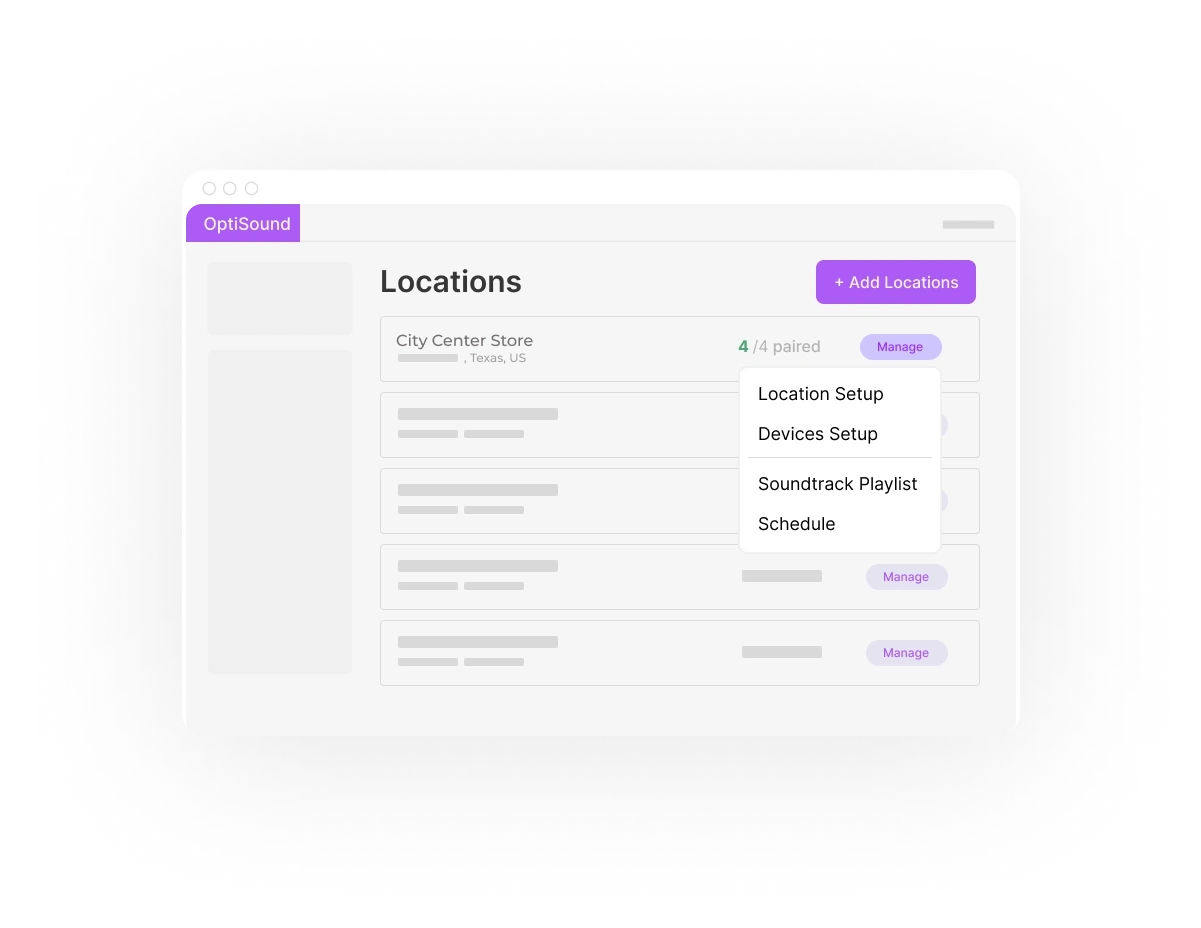
Whether you’re running one space or several, the OptiSound Portal lets you control music by location, apply company-wide playlists, and monitor what’s playing—all in one place.

User & Permission Management

User & Permission Management

User & Permission Management

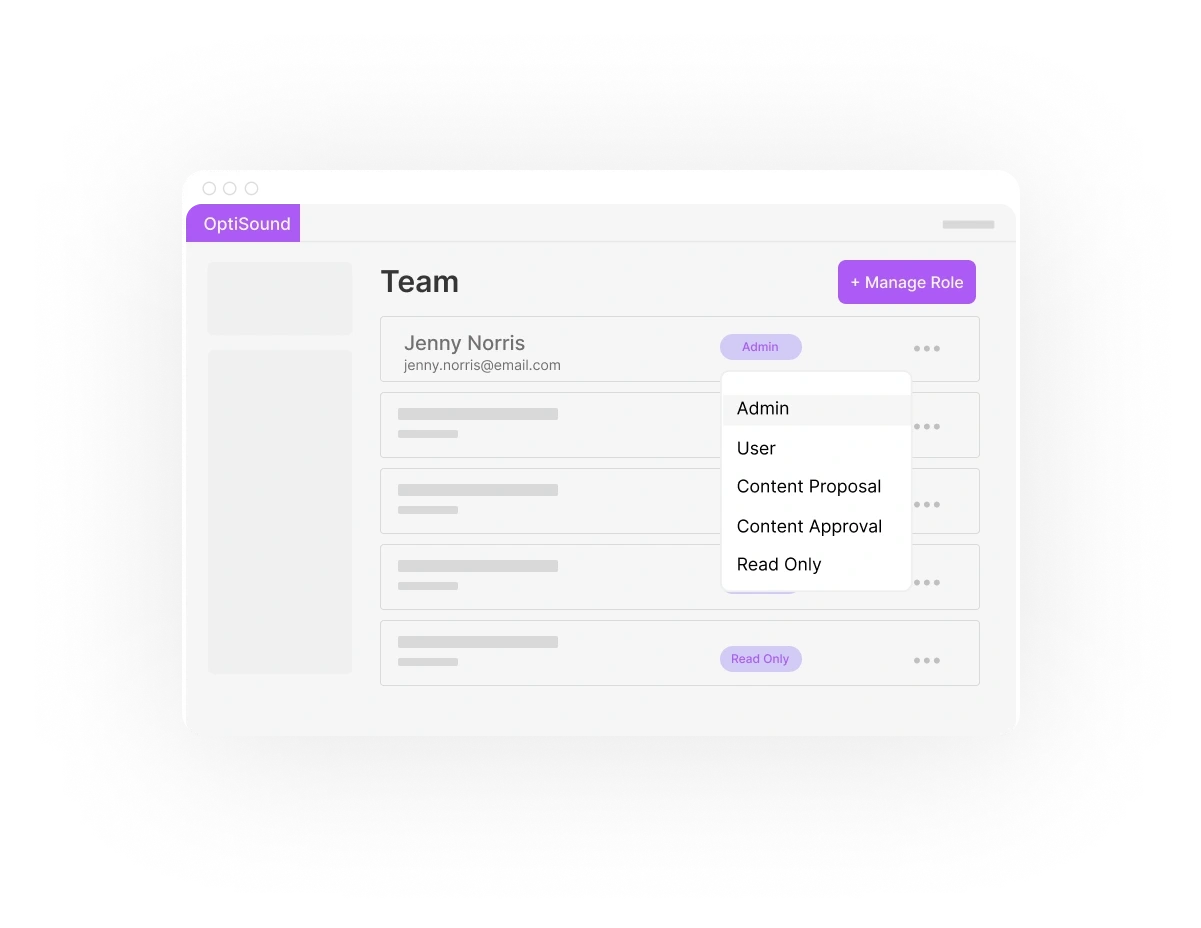
Easily control who can access and manage your music settings. Give the right people the right permissions—while keeping everything else secure.


A soft, light purple blob shape with a smooth, slightly blurred outline on a pale background.
A user interface display showing options, settings, and a submit button in a sleek design.
A small, light purple square against a black background.
A digital presentation slide with a title, an image, and a bullet point list on the right.
Abstract image with a purple shape at the center, surrounded by a textured gradient of grayscale.
Abstract pattern with a green square in the center, surrounded by a dark, textured background.
A digital presentation slide with a title, an image, and a bullet point list on the right.
Abstract image with a purple shape at the center, surrounded by a textured gradient of grayscale.
Abstract pattern with a green square in the center, surrounded by a dark, textured background.
A digital presentation slide with a title, an image, and a bullet point list on the right.
Abstract image with a purple shape at the center, surrounded by a textured gradient of grayscale.
Abstract pattern with a green square in the center, surrounded by a dark, textured background.

Integrates with OptiSound Player App & Hardware

Integrates with OptiSound Player App & Hardware

Integrates with OptiSound Player App & Hardware

Make updates in the portal and they sync instantly to your devices. Whether it’s iOS, Android, APK, or our dedicated OptiSound Player App—you’re always synced.

Abstract light purple background with a subtle gradient, creating a soft and calming aesthetic.

Get Started with the OptiSound Portal

Managing music for your business has never been easier–or more flexible!
A digital interface displaying image galleries, with options for viewing and selecting content.
Abstract light purple background with a subtle gradient, creating a soft and calming aesthetic.

Get Started with the OptiSound Portal

Managing music for your business has never been easier–or more flexible!
A digital interface displaying image galleries, with options for viewing and selecting content.
Abstract light purple background with a subtle gradient, creating a soft and calming aesthetic.

Get Started with the OptiSound Portal

Managing music for your business has never been easier–or more flexible!
A digital interface displaying image galleries, with options for viewing and selecting content.
Abstract light purple background with a subtle gradient, creating a soft and calming aesthetic.

Get Started with the OptiSound Portal

Managing music for your business has never been easier–or more flexible!
A digital interface displaying image galleries, with options for viewing and selecting content.

Frequently asked questions?

Helping you understand how Optisound delivers reliability, compliance, and smarter playlist automation.

Frequently asked questions?

Helping you understand how Optisound delivers reliability, compliance, and smarter playlist automation.

Frequently asked questions?

Helping you understand how Optisound delivers reliability, compliance, and smarter playlist automation.

Frequently asked questions?

Helping you understand how Optisound delivers reliability, compliance, and smarter playlist automation.
Purple Wave

Try OptiSound for Free. Background Music Built for Business.

Start your 14-day free trial today!
Three purple geometric shapes display icons representing multimedia or software tools, including a play button.
Purple Wave

Try OptiSound for Free. Background Music Built for Business.

Start your 14-day free trial today!
Three purple geometric shapes display icons representing multimedia or software tools, including a play button.
Purple Wave

Try OptiSound for Free. Background Music Built for Business.

Start your 14-day free trial today!
Three purple geometric shapes display icons representing multimedia or software tools, including a play button.
Purple Wave

Try OptiSound for Free. Background Music Built for Business.

Start your 14-day free trial today!
Three purple geometric shapes display icons representing multimedia or software tools, including a play button.
Optisound and Optisign

© Copyright OptiSound. All rights reserved.

A circular black object with a decorative, textured border resembling a stylized wreath or ring.
Optisound and Optisign

© Copyright OptiSound. All rights reserved.

A circular black object with a decorative, textured border resembling a stylized wreath or ring.
Optisound and Optisign

© Copyright OptiSound. All rights reserved.

A circular black object with a decorative, textured border resembling a stylized wreath or ring.
Optisound and Optisign

© Copyright OptiSound. All rights reserved.

A circular black object with a decorative, textured border resembling a stylized wreath or ring.