
New In OptiSound: Audio Messages, Schedules, And 25+ New Stations
Great background music does more than fill silence—it shapes how customers feel, how long they stay, and how much they spend. OptiSound is the commercial music streaming service built specifically for this. Today, we’re making it even better with 25+ new stations, Audio Messages, and Schedules—more choice, more control, and all fully licensed and always on.
New Stations: 5,000+ Songs. Zero Ads.
We just added 25+ professionally curated Premium Stations to OptiSound, bringing the total library to over 5,000 fully licensed, ad-free tracks. These new stations are exclusive to the ProPlus plan and available for businesses in the US and Canada. Every song is covered under the required commercial licenses—no paperwork, no compliance headaches, no surprise fees.
OptiSound is a music service for business, not personal listening. That means no ads cutting into the atmosphere you've worked hard to create, no skip limits, and no tracks that don't belong in a professional setting.
Browse by mood, genre, or industry. Every business has its own vibe — and OptiSound has a station to match it. Whether it's upbeat retail music to keep shoppers moving, background music for restaurants to set the right dinner tone, streaming music for gym sessions, workplace background music for focused teams, or waiting room music for a calm and professional feel—the right sound is always a few taps away.
And that's just a few examples. Whatever your space, whatever your audience, there's a station built for it.
Audio Messages: Your Voice, Between the Music
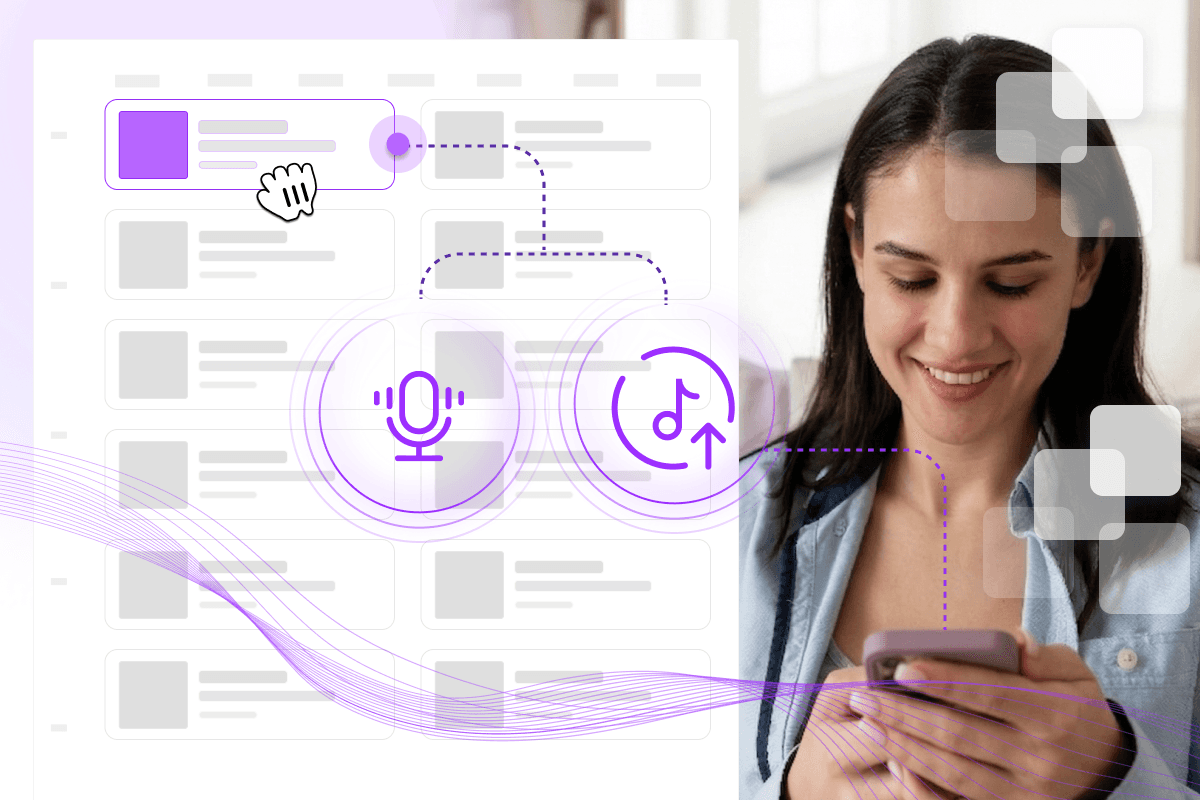
Background music sets the tone — but Audio Messages give you a direct line to your customers without breaking it. Insert custom promos, announcements, or greetings seamlessly into your music stream—no extra app, no separate system. The message plays naturally between tracks, so the experience stays smooth from start to finish.
Two ways to create your message:
Upload — Add any existing audio file straight from your device
Record — Capture a quick, on-the-spot take directly in the app
Once your messages are ready, Message Lists let you group them like a playlist — set the order, manage rotation, and keep everything organized. Sort by date, name, or last modified. Whether you need a one-off announcement or a rotating set of voice drop messages, Message Lists keep your business voice messaging consistent and on-brand across every location.
Schedules: Set It Once. Let It Run.
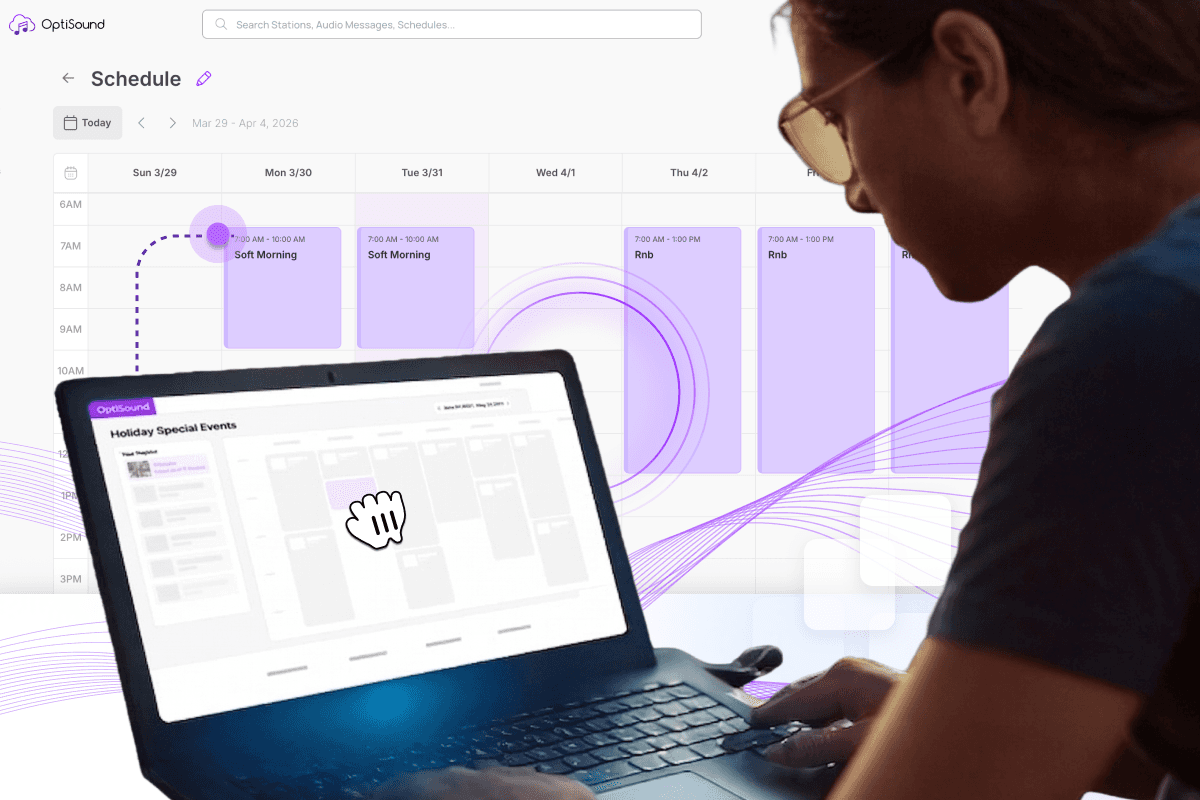
Managing streaming music for business manually — switching playlists, adjusting the vibe, remembering to shut it off at close — adds up fast. Schedules eliminate all of that.
Define exactly what plays, when, and on which device or zone, then let OptiSound handle it automatically every single day. Build time blocks tailored to your business rhythm, set operating hours so playback starts and stops on its own, and assign different schedules to different zones.
The flexibility works for any business. A retail store can sync promotional audio messages to peak shopping hours. An office can schedule workplace background music during work hours and silence after close.
Music streaming for businesses shouldn’t need a full-time manager. With Schedules, it doesn’t.
Ready When You Are
These features are live and ready to use. If you’re already on OptiSound, log in to your dashboard and start exploring. If you’re new, start a free trial and hear the difference from day one.